


Blog
IT Infrastructure During Office Construction or Renovation: What to Consider Before Starting Work

Why is an IT contractor needed before starting repairs and not after?
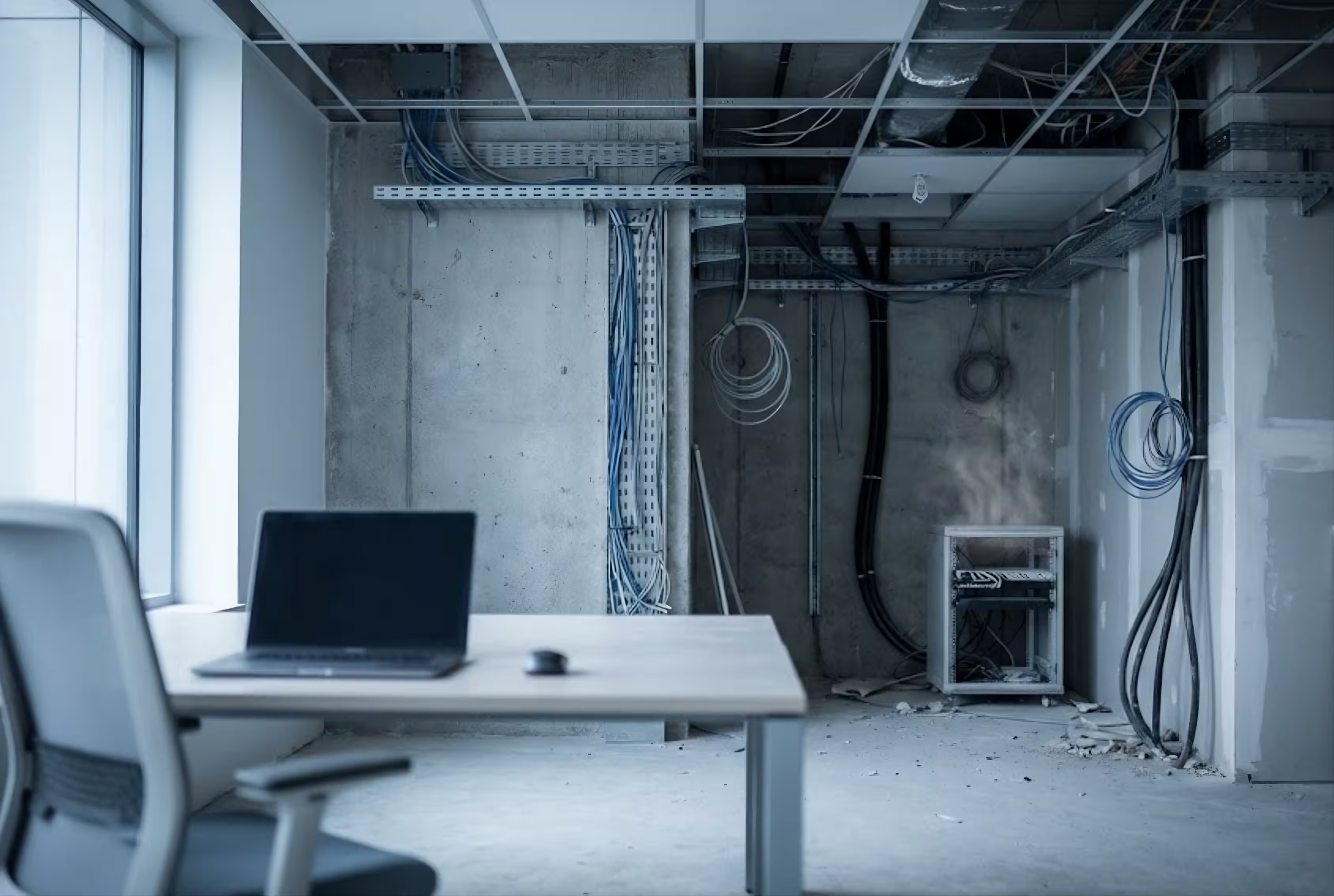
A typical scenario looks like this: a company rents space, hires builders, does renovations, and moves in. After that, they call an IT contractor to "get the internet up and running and set up a server." By this time, the walls are already closed, the ceiling is done, and cable channels either don't exist or are installed in the wrong place.
The result is unfortunately predictable: cables run in open trays above the finishing, the server equipment stands in a utility room without ventilation, and Wi-Fi coverage works with "dead zones" because the access points are located without radio planning.
All of this can be ruled out with one decision: involving an IT integrator at the design stage, before the rough work begins. In this article, we will discuss what should be considered and at what stage.
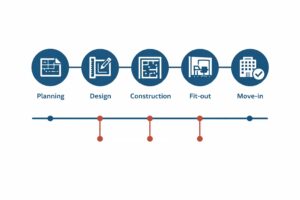
Stage 1. Planning: When to involve an IT contractor
The ideal moment to attract an IT contractor coincides with the architectural planning stage or, at the very least, before the start of rough work. At this stage, it is still possible to influence the planning: allocating a room for the server, laying routes for cable channels, determining the location of power points for electrical panels and network equipment.
What are the benefits of early involvement of an IT specialist:
Agree on routes with the architect and builders. Cable channels do not intersect with power wiring, ventilation, and water supply. Calculate the number of network ports with a margin for growth. Practice shows that adding an additional 20–30% of ports during the construction phase is much cheaper than adding additional wiring after the renovation. Determining the location of the server room Taking into account cooling, power supply, and access control requirements.
What is important to fix: The IT infrastructure technical task must be ready before the builders start working. This is a document, not a verbal agreement.
Stage 2. Rough finishing: What inserts are needed for IT
Rough finishing is the only stage when it is possible to lay hidden cable infrastructure without damaging the finished surface and the budget. After plastering the walls and covering the ceilings, any changes to the routes become a remodel.
What should be included at this stage:
Cable channels and corrugated pipes. Routes for laying copper cable (Cat6/Cat6A) and, if necessary, fiber optic cable. Channels must be separated from electrical wiring by at least 150 mm (TIA-568 standard) to avoid electromagnetic interference. If this is not done, the network will operate unstably and the cause will be very difficult to find.
Network socket boxes and flush-mounted elements. The number of workstations determines the number of ports. A minimum of two ports is recommended for each workstation: one for the computer, one spare. The number for conference rooms and common areas is calculated separately.
Wi-Fi access point docks. Access points are mounted on the ceiling and require PoE powered cabling. The location is determined based on radio planning, not "by eye." Stable coverage cannot be guaranteed without prior calculations.
Route from the server room to the work zones. The main channels through which cables will run from the switching cabinet to the floors or wings of the building. The cross-section of the channel must be calculated with a margin: the cable tray should not be more than 40-50% full.
For multi-story objects or buildings with several blocks, routes are laid at the rough processing stage For fiber optic backbones Optics provide bandwidth between floors and buildings that is unattainable with copper cabling over distances greater than 90 meters.

Stage 3. Server room: Building requirements
A server or communication room cannot be "any free room." It is a technical space with specific requirements that must be considered during the planning phase.
Location. The server room should not be located near wet areas (bathrooms, kitchens) and under plumbing communications. Water leakage onto the server cabinet can damage the most expensive equipment in the office.
Area. For a small office (up to 50 employees), the minimum area is 4–6 sq.m. This is enough for 1–2 cabinets, a UPS, and basic air conditioning. For larger facilities, the area is calculated based on the TIA-942 standard, taking expansion plans into account.
Power supply. A separate power line from the panel, designed for the load of server equipment and cooling system. Uninterruptible power supply (UPS) with a power reserve of 20–30% from the current load.
Cooling. Server equipment emits significant heat. A household air conditioner is not designed for continuous operation in 24/7 mode. Precision or semi-industrial air conditioning systems are used for servers.
Access control. A door with a lock, with an access control system or biometrics if necessary. Access to the server room must be restricted and logged.
If these requirements are not considered during the design phase, it will later be impossible to allocate a suitable room and equip it properly, or it will require remodeling.
Five typical mistakes when planning an office IT infrastructure
Error 1.
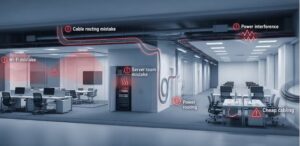
Cable channels are installed, but not there. Builders install the channels in a route convenient for them, and not according to the routes agreed upon with the IT project. As a result, the cables bypass, and the length of the lines exceeds the permissible 90 meters (horizontal standard For structured cabling systems ), the signal will degrade.
Error 2.
No space for the server room. The entire space is distributed between work areas, conference rooms, and a kitchen. A corner in the hallway or a utility room without ventilation is left for the server rack. The equipment overheats, breaks down, and after repairs, redoing the room costs much more than the initial planning.
Error 3.
Wi-Fi access points are located without radio planning. Two access points "for the whole office" sounds economical. In practice, this leads to unstable connections in meeting rooms, dropped video calls, and employee complaints. A professional approach involves a radio survey of the building and Calculating corporate Wi-Fi coverage Considering the density of walls, partitions, and equipment.
Error 4.
Low current channels run alongside high voltage wiring. If cable channels are laid in the same tray as 220 V voltage cables, this creates electromagnetic interference. As a result, packet loss, connection instability, and speed reduction will be inevitable. The TIA-568 standard requires separation of low and high voltage power lines.
Error 5.
Saving on cables. Using cheap Cat5e cable or copper-clad aluminum (CCA) instead of pure copper Cat6/Cat6A makes it impossible to upgrade to 10 Gbps speeds in the future. The cabling system is installed for 15–20 years, and saving money on it turns into a complete replacement in 3–5 years.
Checklist of what to hand over to an IT contractor before starting a project
In order for an IT integrator to prepare project documentation, they need a minimum set of initial data:
Room layout (floor plan with dimensions).
2. Number of workplaces with type indication (fixed, meeting room, reception, warehouse).
3. State growth plans for the next 2-3 years.
4. List of systems used: IP-telephony, video surveillance system, access control system, "smart home" system.
5. Requirements for server equipment (if any) or a description of the current infrastructure when migrating.
6. Information about the provider and communication channels.
Based on this data, the contractor will develop a technical task, a cable routing diagram, equipment specifications, and an active equipment deployment plan.
Result
IT infrastructure should be designed in parallel with the renovation, not after it. Involving an IT contractor early on saves budget, eliminates rework, and ensures a system that will operate stably for many years.
If your company is planning construction, an office move, or renovations, Innocom is ready to conduct a preliminary consultation and prepare technical specifications for the IT infrastructure. The initial consultation is free. We are in Tbilisi, but we work throughout Georgia.
Frequently Asked Questions
At the architectural planning stage or before rough work begins. This allows you to install cable channels, allocate a room for the server, and agree on routes with builders without additional costs.
Conduits and corrugated pipes for low-voltage cables (separate from high-voltage power), mounting boxes for network sockets, embedded parts for ceiling Wi-Fi access points with PoE, trunking channels from the server to work areas.
Technically yes, but this requires open cable channels for the final finishing, which is more expensive and looks unprofessional. Concealed wiring is only possible at the rough finishing stage.